
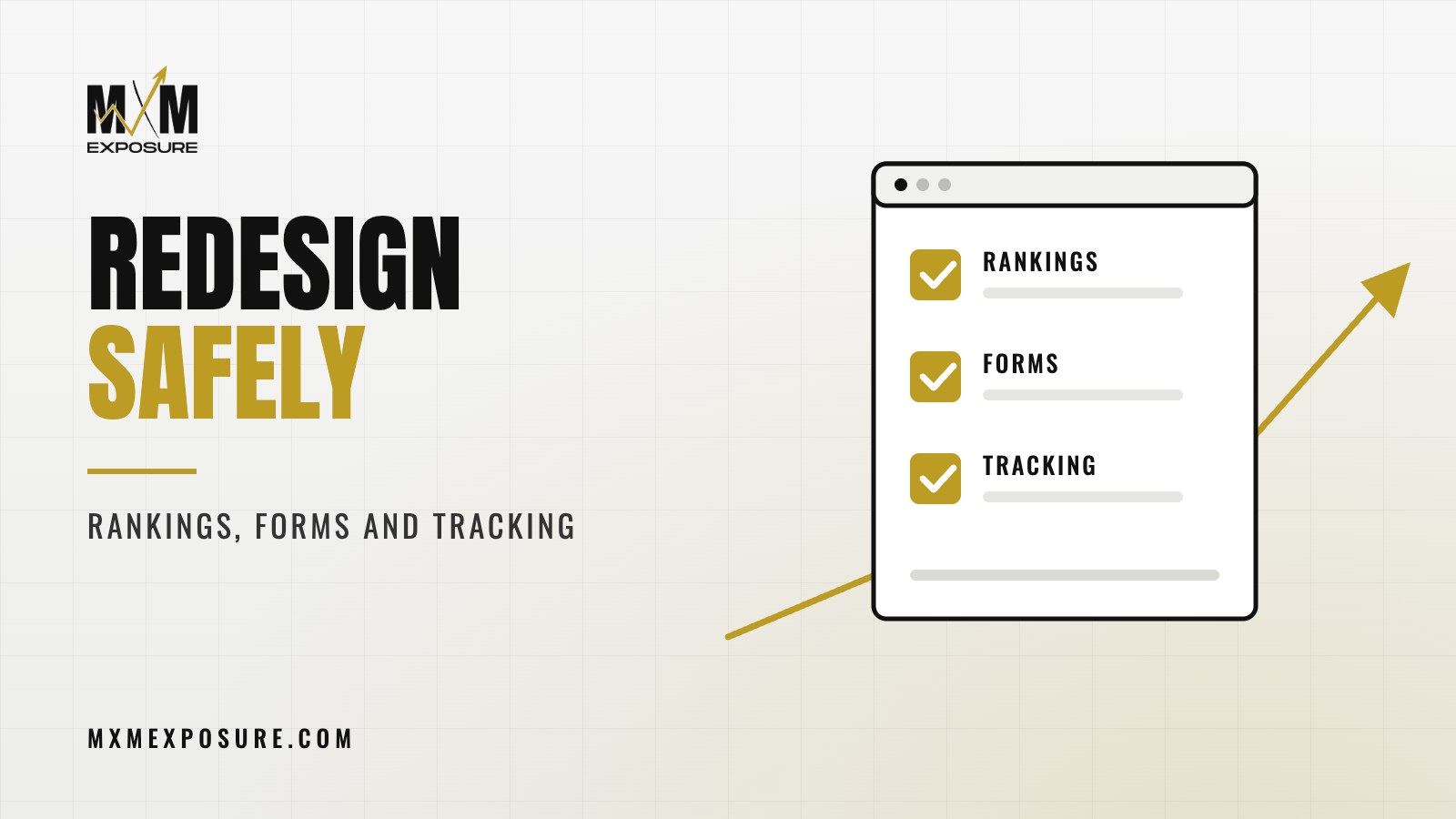
A new website is supposed to bring in more business. Every so often, it does the opposite. Rankings slide, the phone gets quieter, and nobody can explain why until someone finds the form that stopped working three weeks ago. Good website redesign SEO is mostly about protecting what already works while you improve everything else.
Key takeaways
- Before you change anything, make a full list of your current pages and what each one ranks for.
- Every old page that’s going away needs a 301 redirect to the closest new page.
- Test every form, phone link and tracking tag before launch and again after.
- Watch Google Search Console, calls and form fills closely for the first few weeks.
I’ve taken over a lot of sites after a rough relaunch. The story is almost always the same. The new site looks great. Then the calls drop. The owner assumes it’s the season, or the economy, or Google. Then we dig in and find missing redirects, a “hide from Google” setting left on, and a contact form sending to nobody.
All of that is avoidable.
1. Your rankings
Your current site has built up trust with Google over time. Certain pages rank for certain searches. Other sites link to specific pages. If the new site changes those URLs without telling Google where things moved, a lot of that trust gets lost.
Make a list of every page before you start
Pull a full list of the current site’s pages. Note which ones get traffic, which ones bring in leads and which ones other websites link to. Google Search Console and Google Analytics will show you most of this.
Those pages are the ones you protect first.
Keep or redirect every URL
If a page keeps the same URL on the new site, great. If the URL changes, or the page is being merged or removed, set up a 301 redirect from the old address to the closest matching new page.
Don’t send everything to the home page. If your old Franklin AC repair page goes away, redirect it to the new Franklin AC repair page, not the front door. Google treats a pile of home page redirects about the same as missing pages.
Don’t throw away content that ranks
A redesign is a good time to clean up weak pages. It’s a bad time to cut the paragraph that’s been ranking for “emergency electrician Nashville” for four years. Before you rewrite or trim a page that performs, look at what it ranks for and keep those topics on the new version.
The same goes for page titles, meta descriptions and headings on your best pages. Improve them if you can, but don’t replace them blindly.
Watch for the “hide from Google” setting
Most new sites get built on a test copy that’s hidden from search engines so it doesn’t show up half finished. That’s correct during the build. The problem is when nobody turns it off at launch. In WordPress, it’s a single checkbox. Forget it, and Google slowly drops your whole site.
Check the robots.txt file too. A test version often blocks everything, and that file sometimes gets copied over at launch.
Tell Google about the new site
After launch, submit your new XML sitemap in Google Search Console and check the coverage reports over the next few weeks. Look for spikes in “not found” errors, which usually point to missing redirects.
Planning a redesign, or just finished one? Our free Full Marketing Audit checks your website, Google rankings, Google Business Profile, tracking and more, then sends you a written report with a ranked list of fixes.
2. Your forms and phone calls
Rankings get the attention, but forms are where real money quietly disappears.
Before launch, and again right after, test every form on the site:
- Submit each one and confirm the email arrives
- Check who receives it, and make sure that inbox is watched
- Make sure the person filling it out sees a clear thank you message
- Check that form entries also save in WordPress, so nothing is lost if an email fails
- Confirm spam protection is on, without blocking real people
Then test every phone number on a real phone. Tap it. Does it dial the right number? If you use call tracking numbers, make sure they carried over and still forward correctly.
3. Your tracking
If tracking breaks, you lose the ability to tell whether the new site is working. Worse, your ads can lose track of conversions, which hurts how Google spends your budget.
Make sure these carry over:
- Google Analytics, with the same property, so your history stays in one place
- Google Tag Manager, if you use it
- Conversion events for calls, form fills and bookings
- Google Ads conversion tracking and any Meta pixel
- Call tracking scripts
After launch, make a test call and submit a test form, then confirm both show up where they should. Don’t take anyone’s word for it, including ours. Check it.
4. Everything connected to the old site
A website touches more systems than people realize. A few that get missed:
- Your Google Business Profile link. If the page it points to changed, update it.
- Ad landing pages. Every ad that sends people to an old URL needs a new destination or a working redirect.
- Email. If the redesign comes with a hosting or DNS change, make sure your email records move correctly. We’ve seen businesses lose email for days because of this.
- Links in social bios and directories. Update the important ones.
- Integrations. Booking tools, chat widgets, review widgets and payment forms all need a quick test.
A redesign should make your best pages better. If nobody made a list of what was working before launch, there’s no way to know what got broken after.
Justin Cahoy, founder of MXM Exposure
A website redesign SEO checklist
This is the short version our team works from:
- Crawl the current site and save a full list of URLs, titles and meta descriptions.
- Pull top pages by traffic, leads and links from Analytics and Search Console.
- Map every old URL to a new URL, and plan 301 redirects for anything that changes.
- Keep ranking content, titles and headings, and improve them where it makes sense.
- Build the new site on a hidden test copy, with forms and tracking set up there first.
- Before launch, test forms, phone links, tracking, speed and mobile layout.
- At launch, turn search visibility back on, check robots.txt and add the redirects.
- Submit the sitemap in Search Console and update your Google Business Profile and ad links.
- For the next few weeks, check Search Console errors, rankings, calls and form fills every week.
If the site you have now is losing leads, a redesign can be the right call. We covered how to tell in seven signs your website is costing you leads.
What to expect after launch
Even a careful launch can bring small ups and downs in rankings for a few weeks while Google recrawls the new site. That’s normal. What isn’t normal is a steady slide, a jump in “not found” errors or a drop in calls and form fills. Those are signs something got missed, and the sooner you catch it, the easier it is to fix.
This is why the numbers in your report matter so much right after a launch. If you want to know which ones to watch, read how to read a marketing report.
How our team handles this
At MXM Exposure, every website redesign starts with a full inventory of your current site, what ranks, what brings in leads and what other sites link to. We map redirects, carry over tracking, and test every form and phone link before and after launch. Then we watch the numbers for the weeks that follow.
Because the same team runs your SEO, Google Business Profile and ads, nothing falls through the cracks between the web team and the marketing team. It’s one team. Our plans are month-to-month, and you get plain English updates the whole way.
If you’re planning a redesign, or you just launched one and something feels off, start with our free Full Marketing Audit. We’ll review your website, rankings, Google Business Profile and tracking, then send you a written report with a ranked list of what to fix first.