
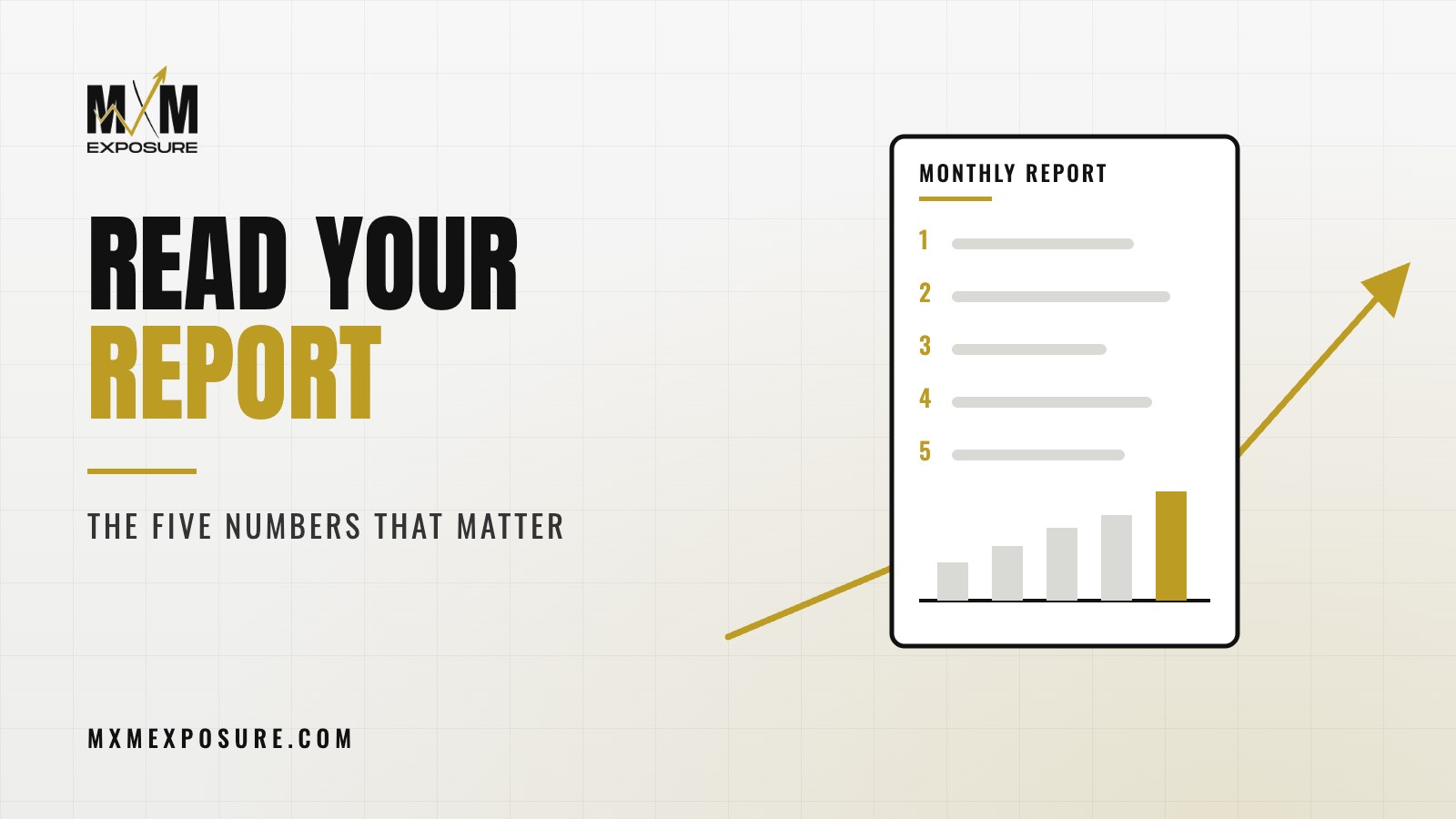
A lot of owners get a marketing report every month, open it, scroll past twenty charts, and close it without knowing whether things are working. That’s not on you. Most reports are built to look busy. Once you know how to read a marketing report, you only need a handful of numbers to tell whether your website, SEO, ads and social are paying off.
Key takeaways
- The number that matters most is leads: calls, form fills and booking requests.
- Know where those leads came from, and what each one cost.
- Your website’s conversion rate tells you if visitors are turning into leads.
- Leads only matter if they turn into jobs, so track what happens after the call.
- Everything else in the report is context for those five numbers.
I’ve sat across the table from a lot of owners holding reports from other agencies. Forty pages. Charts of “impressions” and “engagement” and “bounce rate.” When I ask how many calls came in last month, they don’t know, and the report doesn’t say. That’s the problem we’re solving here.
Why most marketing reports are hard to read
Marketing tools spit out a lot of data. Google Analytics, Google Search Console, Google Business Profile, Google Ads, Meta, call tracking. Each one has dozens of numbers, and it’s easy to paste all of them into a report.
The result looks thorough, but it hides the one thing you care about: is this bringing in business?
A good report starts with results and works backward. Here’s what that looks like.
Number 1: Total leads
A lead is someone who raised their hand. They called you, filled out a form, booked online or messaged you. That’s the first number on any report worth reading.
It should be split by type:
- Phone calls (ideally only calls that lasted long enough to be real conversations)
- Form fills
- Online bookings or quote requests
- Messages from your Google Business Profile or social pages
If your report doesn’t show leads, ask why. Usually it’s because call tracking and form tracking were never set up. That’s fixable, and it should be the first thing fixed.
Number 2: Where the leads came from
Once you know how many leads you got, you want to know where they came from. Common sources for a local business:
- Google Maps and your Google Business Profile
- Organic search, meaning regular Google results
- Google Ads and Local Services Ads
- Facebook and Instagram, paid and organic
- Referrals, email and direct visits
This is where you see how the pieces fit together. Someone might see your Facebook post, search your name on Google later, land on your website and call. Good tracking won’t catch every step, but it gets you close enough to make smart decisions.
Watch the trend more than any single month. A source that grows steadily over a few months is working. A source that suddenly drops tells you something changed and needs a look.
Number 3: Cost per lead
Take what you spent on a channel, including ad spend and management, and divide it by the leads it brought in. That’s your cost per lead.
This number keeps everyone honest. It lets you compare months, compare channels and decide where to spend more. It’s also the number most often missing from reports, because it’s the one that makes an agency accountable.
A couple of cautions. Some channels, like SEO, take months to build, so their cost per lead starts high and comes down over time. And a cheap lead that never becomes a job isn’t cheap. That’s why number five exists.
Not sure what your current report is telling you? Our free Full Marketing Audit reviews your website, Google rankings, Google Business Profile, tracking, ads and social, then sends you a written report with a ranked list of fixes.
Number 4: Website conversion rate
Your website is where most of your marketing ends up. Google sends people there. Ads send people there. Social sends people there. Your conversion rate is the share of website visitors who become leads.
If traffic is going up and leads aren’t, the website is the bottleneck. More traffic won’t fix that. A better page will. Sometimes it’s a phone number that won’t dial on a phone, a broken form or a page that takes forever to load. We covered the usual culprits in seven signs your website is costing you leads.
Look at conversion rate by page, too. Your service pages and landing pages should be doing most of the work. If one page gets lots of visits and almost no leads, that page needs attention.
Number 5: Leads that turned into jobs
This one usually lives on your side, not the agency’s. Out of all the leads that came in, how many turned into booked jobs or signed clients? And roughly what were they worth?
You don’t need fancy software for this. A simple spreadsheet or the notes in your scheduling system work fine. Even a rough count changes the conversation, because now you can see which sources bring in your best customers, not just the most phone calls.
When you share that number with your marketing team, they can do a better job. We’d much rather chase the leads that turn into real work than the ones that just pad a chart.
If your report can’t tell you how many calls you got and what they cost, it isn’t a report. It’s a scrapbook.
Justin Cahoy, founder of MXM Exposure
What about everything else in the report?
Impressions, clicks, rankings, followers, engagement, time on site. These numbers aren’t useless. They’re the early signals that tell you whether the work is heading in the right direction, and a good team watches them closely.
Rankings for your main services, for example, tell you whether your SEO work is building toward more leads. Engagement on social tells you whether your content is landing with the right people. Click through rates on ads tell you whether your message fits the search.
They belong in the report. They just belong after the five numbers above, explained in plain language, with a note about what they mean for leads.
How to read a marketing report: questions to ask
Next time a report lands in your inbox, ask:
- How many leads did we get, and how does that compare to last month and last year?
- Where did they come from?
- What did each lead cost, by channel?
- Which pages are turning visitors into leads, and which aren’t?
- What are you changing next month because of these numbers?
That last question matters. A report should end with a plan, not just a list of what happened. If your agency can’t answer these, that’s worth a closer look. We wrote a separate post on what to expect from a marketing agency and the red flags to walk away from.
How our team handles this
At MXM Exposure, our reports start with leads, where they came from and what they cost. We set up call tracking and form tracking before we judge anything, so the numbers are real. Then we show you the supporting numbers for your website, SEO, Google Business Profile, ads and social, and explain what each one means in plain English.
Because one team runs all of it, the report tells one story instead of five separate ones. Our plans are month-to-month, and you can always call me and ask what a number means. You can see more about how we run paid ads and the rest of our services on the site.
If you want to know what your marketing is really bringing in, start with our free Full Marketing Audit. We’ll review your website, rankings, Google Business Profile, tracking, ads and social, then send you a written report with a ranked list of what to fix first.