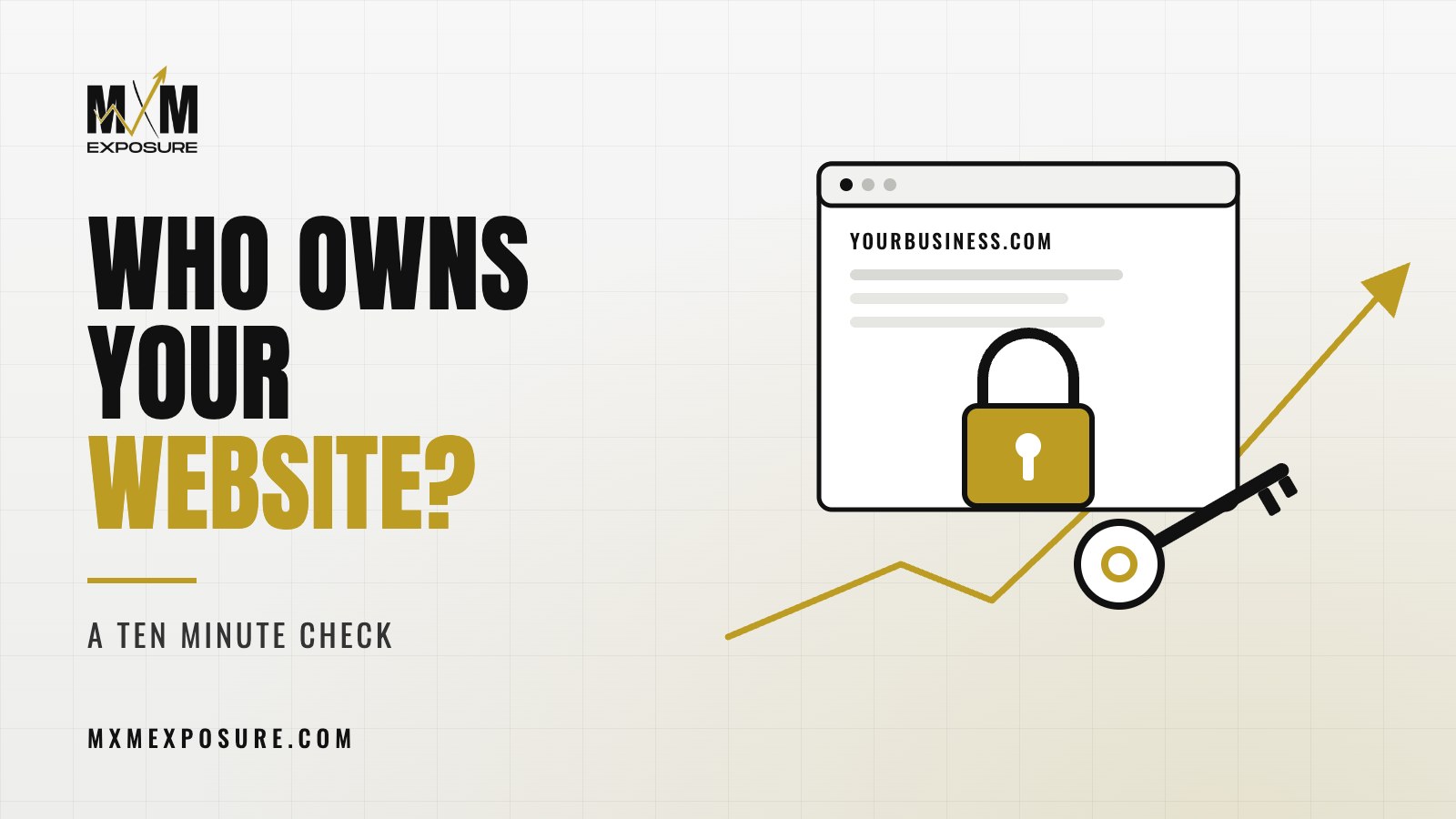
The short answer: You should own your domain, your website files, your Google Business Profile, your analytics and your ad accounts, and your agency should be added as a user, not listed as the owner. To check your domain, search for a “WHOIS lookup” tool, enter your domain to see which registrar it’s with, and make sure you can log in to that registrar yourself. If you can’t, ask whoever built your site where the domain is registered and whose account it’s in.
Most owners never think about it until something goes wrong. They want to switch agencies, or their web person stops answering, and suddenly they find out the domain is registered in someone else’s name. If you’ve ever wondered “who owns my website,” take ten minutes this week and check. It’s one of the most important things you can do to protect your business.
Key takeaways
- You should own your domain, your website files, your Google Business Profile, your analytics and your ad accounts.
- An agency can manage all of it. They should be added as a user, not listed as the owner.
- Having an agency host your site is fine, as long as the domain is yours and you can get a full copy of the site.
- Check each account once and keep the logins somewhere safe.
This isn’t about distrusting your agency. Plenty of good agencies set things up the right way. But businesses change, people leave, and companies close. When your accounts are in your name, you’re protected no matter what happens.
Who owns my website? The short answer
You should own every piece that your business depends on. Your agency or web team should have access to manage it. There’s a big difference between the two.
Here’s what that means in practice:
- Your domain (yourbusiness.com) should be registered to you or your company.
- Your website should be something you can get a complete copy of, files and database, anytime you ask.
- Your Google Business Profile should list you as the primary owner.
- Your Google Analytics and Search Console should be owned by you, with your agency added as a user.
- Your ad accounts for Google and Meta should be in your name, with your payment method, and your agency given access.
- Your social media pages should list you or your company as the owner or admin.
The ten minute ownership check
Grab a cup of coffee and go through these one at a time.
1. Look up your domain
Search for a “WHOIS lookup” tool and enter your domain. Many records now hide personal details for privacy, but you can usually see the registrar, the company your domain is registered with. Then find your login for that registrar. If you can log in and see your domain in your account, you’re in good shape. If you’ve never heard of the registrar or have no login, ask whoever built your site where the domain is registered and whose account it’s in.
2. Check your website login
Can you log in to your website? For a WordPress site, that’s usually yoursite.com/wp-admin. You should have an administrator account in your own name, not just a shared login someone gave you once. If you can’t log in at all, that’s worth fixing right away.
3. Ask how you’d get a copy
Ask your web team a simple question: “If I ever needed a full copy of my website, how would I get it?” A good answer sounds like “we’d send you a backup of the files and database” or “here’s how to download one.” A vague answer, or “you can’t,” tells you the site is tied to a platform or account you don’t control.
4. Check your Google Business Profile
Go to business.google.com while signed in to your own Google account. If you see your business, check the users list and confirm you’re listed as the primary owner. If you don’t see it at all, someone else owns it.
5. Check Analytics and Search Console
Sign in to Google Analytics and Google Search Console with your own Google account. If you can see your site’s data, look at the user or permissions settings and make sure your account has full control. If you can’t see anything, your data lives in someone else’s account.
6. Check your ad accounts
For Google Ads and Meta ads, the account should be in your name and billed to your card. If your agency runs your ads inside their own account, all your history, conversion data and audiences stay with them if you ever part ways.
Want a second set of eyes on your setup? Our free Full Marketing Audit reviews your website, Google rankings, Google Business Profile, competitors, tracking and ads, then sends you a written report with a ranked list of fixes.
What if your agency hosts your site?
Hosting and ownership are two different things. Many agencies host client websites on managed servers, and that’s often the best setup. You get speed, security updates, backups and someone watching the site so you don’t have to.
What matters is this: your domain is registered to you, and you can get a full copy of your site whenever you ask. If both are true, agency hosting is a convenience, not a risk.
The setups to watch for are the ones where you can’t leave without starting over. A site built in a proprietary system that only works on one company’s servers. A domain registered in the agency’s name with no plan to transfer it. Ad accounts you’ve paid into for years that you can’t take with you.
What about your website design and content?
The words and photos on your site, plus the design built for you, should be yours to keep once you’ve paid for them. Read your agreement and look for language about ownership after payment. Some themes and plugins are licensed, which is normal, but the content and design you paid for should come with you.
How to fix it if something’s off
If you find a gap, don’t panic. Most of these are easy to fix with a polite request.
- Domain: ask for it to be transferred to a registrar account in your name. It usually takes a few days.
- Website: ask for an administrator login in your name and a current backup.
- Google Business Profile: ask to be made primary owner. The current owner can transfer it in a few clicks.
- Analytics and Search Console: ask to be added with full permissions, then become the owner.
- Ad accounts: if they’re in the agency’s account, ask about moving to an account you own. Billing to your own card is a good first step.
- Social pages: ask to be added as an admin with full control.
Make a simple list of every account, who owns it, and where the login is saved. Keep it in a password manager. Future you will be grateful.
Questions to ask any agency, including us
Before you sign with any marketing agency, ask these out loud:
- Whose name will my domain be registered in?
- Will I have my own admin login to my website?
- Can I get a full copy of my site whenever I want?
- Who owns my Google Business Profile, Analytics and ad accounts?
- What happens to everything if we stop working together?
A good agency answers all five quickly and clearly. We wrote more about this in marketing agency red flags, and ownership is the first one on the list.
Ask us, too
If you work with us, ask us these same questions. You’ll get straight answers.
If you want to know where your accounts stand and what’s working in your marketing, request a free Full Marketing Audit. You’ll get a written report and a clear list of next steps. You can also see the websites our team has built or read about our website design process.